01
Generate Brand Concepts
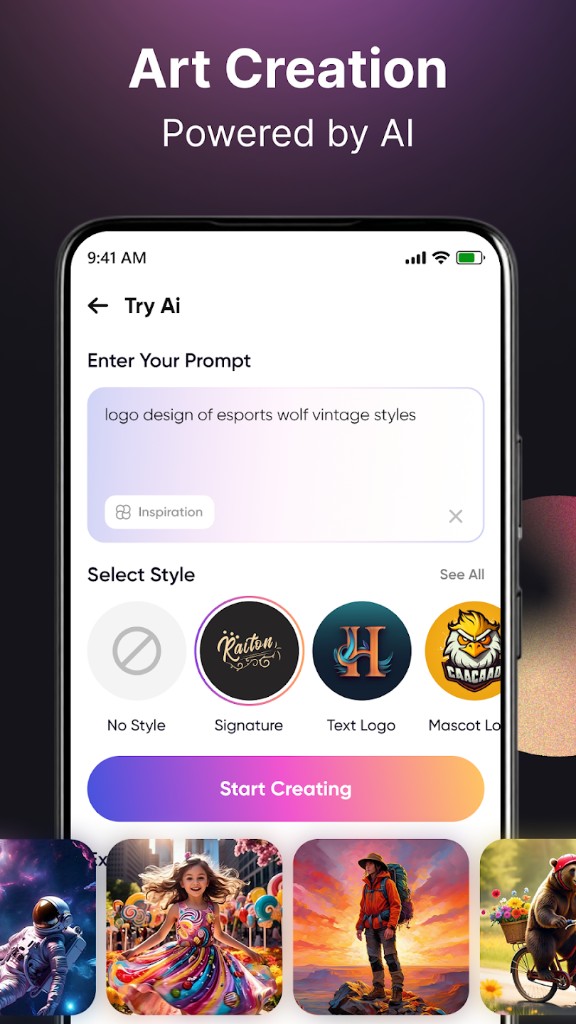
Users enter their business name, select an industry and preferred style, then receive AI-generated logo concepts tailored to their brand.
A complete mobile branding platform that helps businesses create professional logos, icons, and visual identities within minutes. Users generate AI-powered logo concepts, customize typography, colors, layouts, backgrounds, and graphics, then export production-ready designs for websites, social media, business cards, and marketing materials.
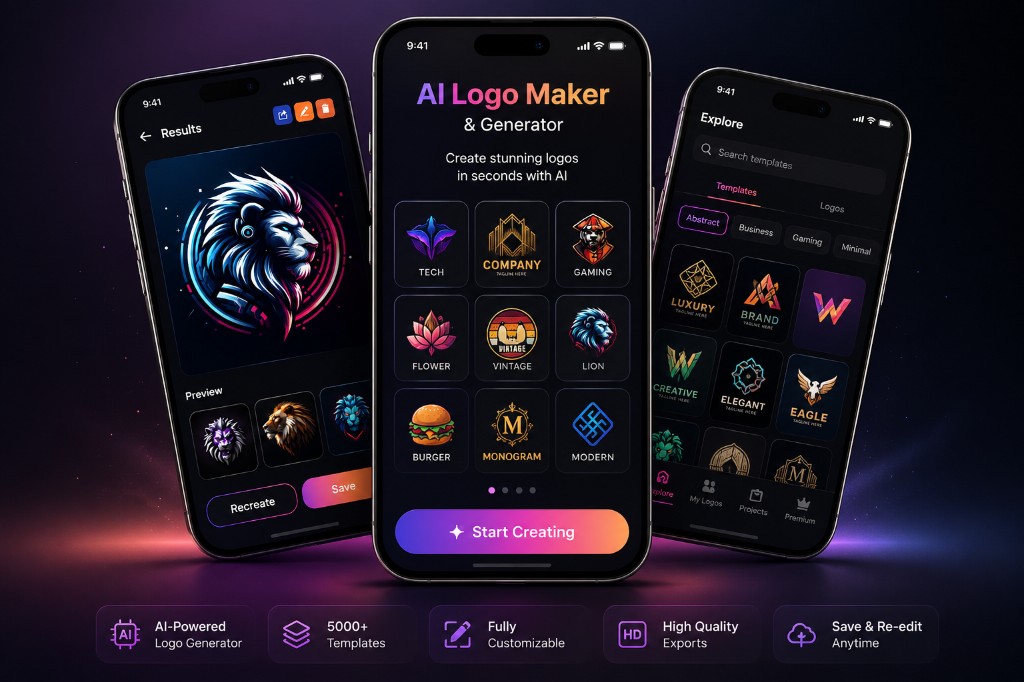
Generate unique logo concepts, explore thousands of templates, customize every design element, and export production-ready branding assets from a single mobile experience.
Generate logos with AI
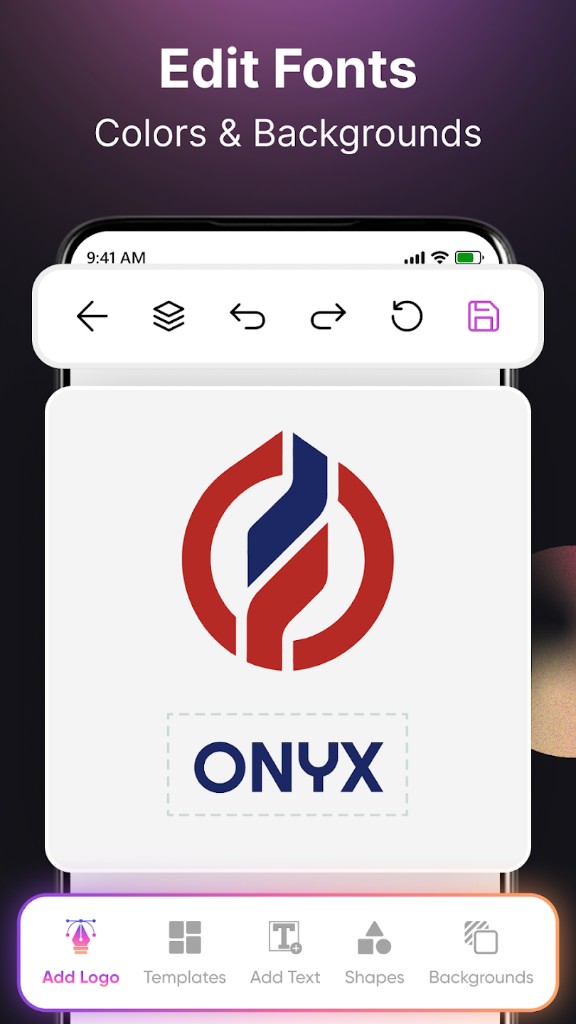
Professional design editor
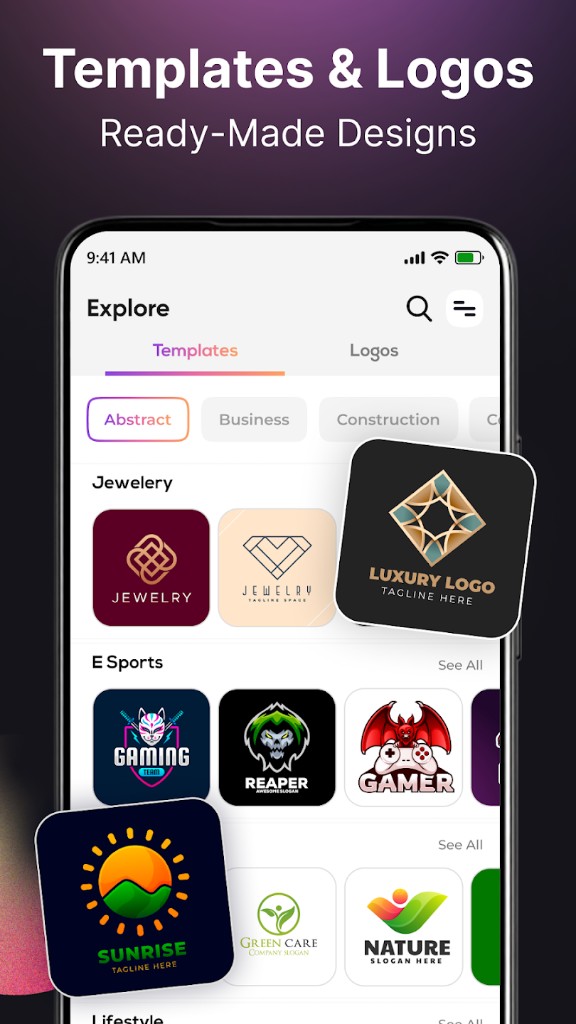
5,000+ editable templates
High-resolution exports
The application needed to balance simplicity for first-time users with enough creative flexibility for professional results. It also required high-performance rendering, offline editing, large design libraries, AI-assisted generation, automatic project saving, and a monetization model that could scale with a growing user base.
Built an AI-powered Flutter mobile application that enables users to generate professional logos, customize every design element, and export high-quality branding assets directly from their phone. The platform combines AI-generated concepts with a powerful visual editor, thousands of templates, and offline editing capabilities.
The Flutter application combines AI-assisted logo generation with a layered visual editing engine supporting typography, icons, shapes, stickers, backgrounds, and branding assets. Projects are automatically saved locally, allowing users to continue editing offline while premium templates, AI features, and exports are managed through in-app purchases. The modular architecture supports thousands of editable templates while maintaining responsive performance across Android devices.
01
Users enter their business name, select an industry and preferred style, then receive AI-generated logo concepts tailored to their brand.
02
Every logo can be edited using an intuitive visual editor with fonts, colors, layouts, icons, stickers, and backgrounds.
03
Thousands of categorized templates provide inspiration for businesses across technology, retail, restaurants, gaming, fashion, real estate, and more.
04
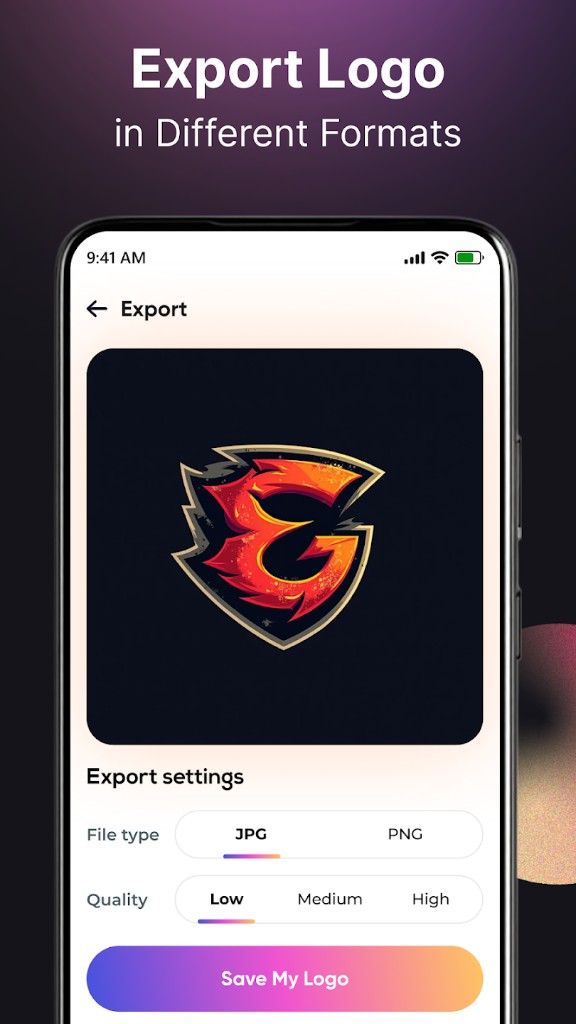
Completed designs can be exported in high quality, automatically saved, and revisited later for future edits as the business grows.
Product Research & UX
3 weeks
AI Generation Engine
4 weeks
Logo Editor Development
6 weeks
Template Library & Monetization
3 weeks
Production Launch & Updates
Ongoing
We'll help you design, build, or scale the right solution, whether it's an AI product, platform, mobile app, or automation system.